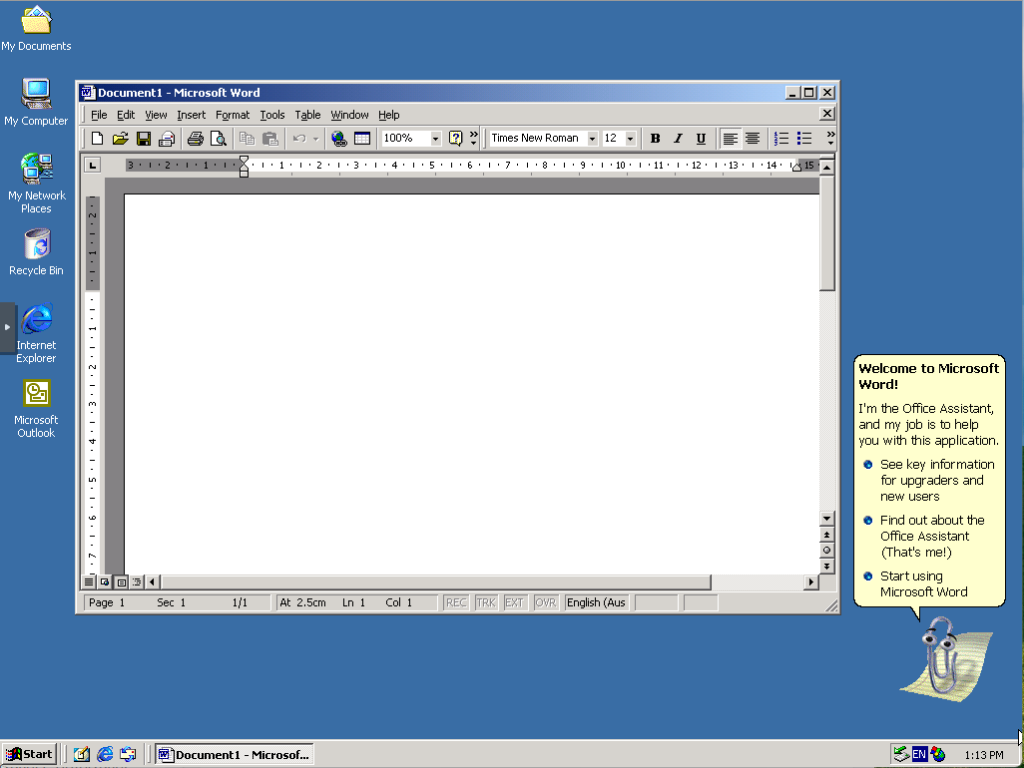
I’m back again with another old operating system running in a Proxmox Virtualized Environment, this time running the now business classic, Windows 2000.
In my previous Proxmox VE articles, I’ve provided guides on running Windows 95, Windows 98 (with varied success) and Windows XP but now to run Windows 2000 in Proxmox is another in the series. The purpose? For me, just to see if it works and if it does how much works.
Windows 2000 was released way back in February 2000 targeted for Business Desktop and Laptop computers, based on the NT Kernel, was an evolution of the Windows NT operating system. Windows 2000 would be the setup what would become Windows XP.
Proxmox VM Configuration
For my build of the VM, I’ve used the following configuration.
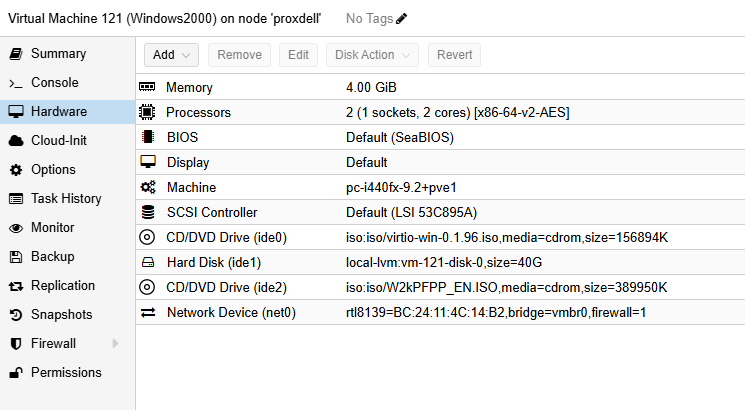
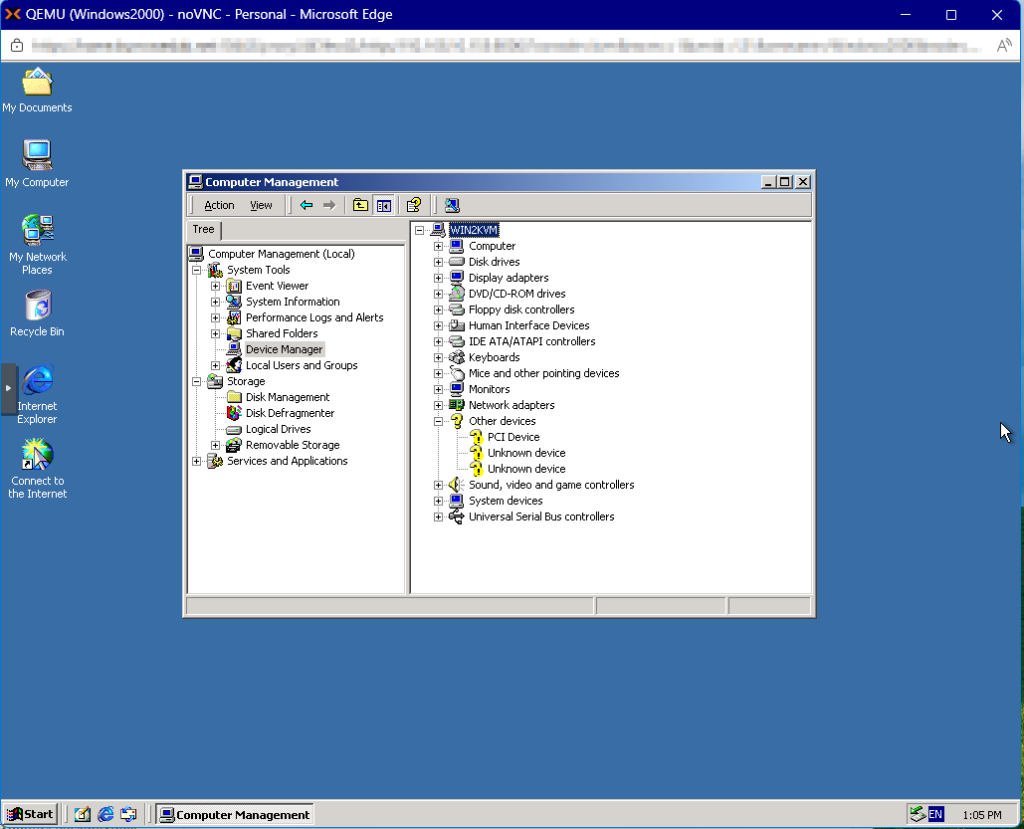
For the Network Card, I found the Realtek RTL8139 works out-of-the-box without additional drivers required. The Graphics Card gets detected as a Cirrus Logic 5446 adapter which means that the VM has full colour and resolution options from the start. Some other devices don’t appear to load even when using the VirtIO v0.1.96 driver set that I’ve used on Windows XP previously. There doesn’t seem to be a native set of Windows 2000 drivers.
I did attempt to use the VirtIO Balooning Driver, but that resulted in a Blue Screen Error. If you get this, restart the VM using Last Known Good Configuration and it should start again without error.
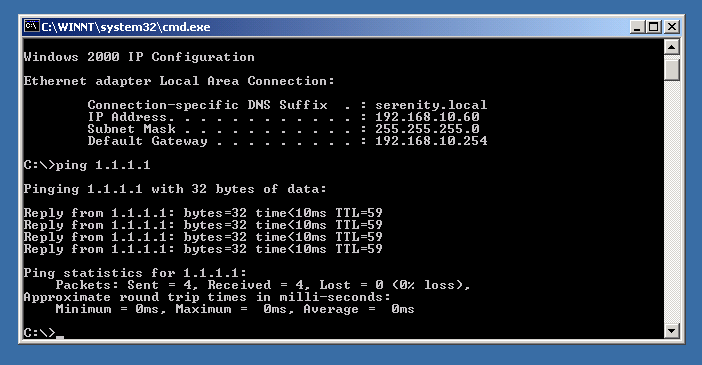
With the Realtek RTL8139 network card, while this is restricted to 100Mbps, it appears to work without issues initially. Further testing maybe required, but the compatibility will hold up.
Sound was not tested through the VM.
Applications and Internet
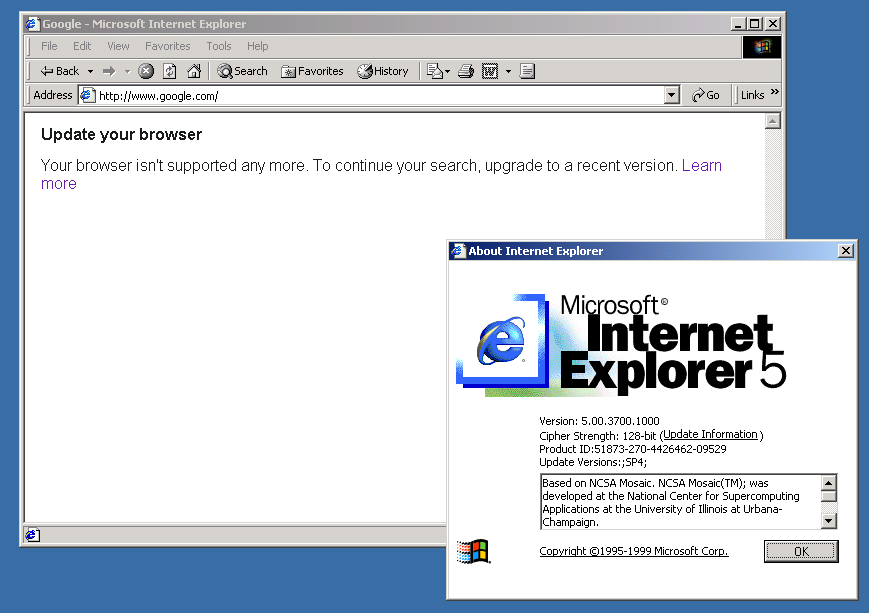
As expected, the internet here is mostly broken since Internet Explorer 5 is installed but default and how no idea how to handle today’s HTTPS requirements, so most pages won’t load.
I did try using Firefox 10.0.7 ESR and Opera 12.02 which were recommended to still be working in Windows 2000 but pages wouldn’t load here either.
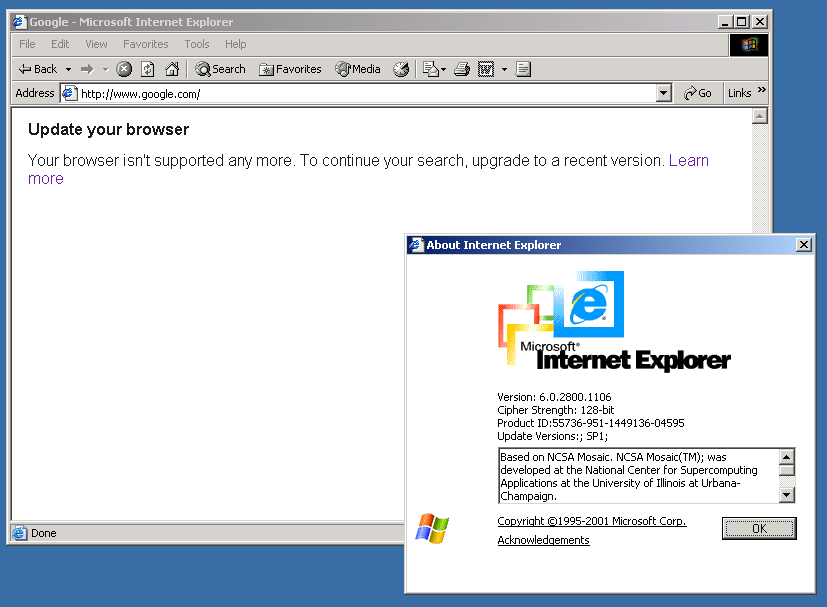
I had a lot of issues getting Internet Explorer 6 and Legacy Updates to install and update due to connection issues which I assume to be that the relevant sites are offline or don’t exist any more. I will continue to work with this and update this article when I have things working.
Update 2nd April 2026
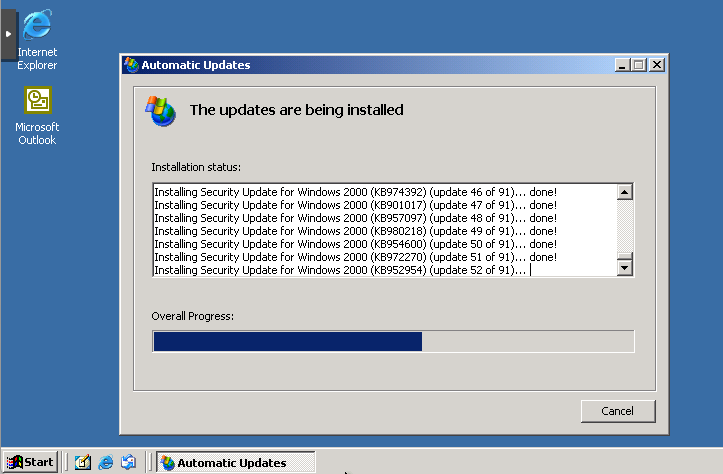
Legacy Update fails to install or update since it required Internet Explorer 6 to be installed. The Web Installer failed since it can’t connect. I was able to find an Offline Installer for Internet Explorer 6 which then allows you to install Legacy Update.
You can download Internet Explorer 6 with Service Pack 1 here from Internet Archive.
Conclusion
At the end of the day, it’s quite easy to get this going on Proxmox so good for it and have some fun!
Again, check out my other Proxmox VE articles here! And please leave a comment if this helped you out.