Windows 2000 on Proxmox
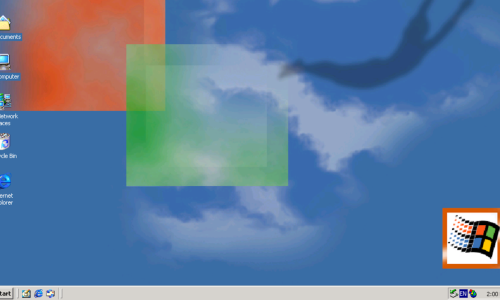
I’m back again with another old operating system running in a Proxmox Virtualized Environment, this time running the now business classic, Windows 2000. In my […]


I’ve had a Windows 10 virtual machine on Proxmox for some tasks but thought today was the day to update it so I could upgrade […]
With VMware Horizon DaaS no longer part of our service offerings, we needed a clean and consistent way to remove the Horizon Client from all managed devices after migration. This post covers the why behind our transition away from Horizon, the challenges of uninstalling it at scale, and the PowerShell script we developed to make the process fast, silent, and reliable.
It’s been a while since I’ve last did an update for my ProxCtrlJ Java Software Development Project and thought that since despite not having done […]
Getting Windows 95 working in Promox isn’t an easy feat, but in this article, I show you how to get the right setup as well as provide a link to download a prebuilt copy.
This article demonstrates setting up Windows XP on Proxmox VE, including virtual machine configuration, using VirtIO hardware, installation process, obtaining the OS, and dealing with updates and drivers.
Windows 98 in Promox? Yep it can be done and this article, I’ve gone through what you need to get it setup.
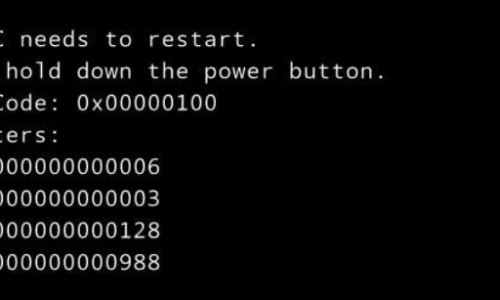
A Windows Server crash due to a Windows Update led to a 0x00000100 Stop error. After restoring from backup, a recovery option using bootable media was discovered.
Attempting to convert a Linux box into a VM, the user encountered issues launching VMware vCenter Converter Standalone on an HP EliteBook due to a conflict with Wacom ISD Service; stopping it resolved the problem.
The Lenovo ThinkCentre m53, initially incompatible with VMware vSphere ESXi, was adapted using custom drivers and a PowerShell script to create an ESXi-enabled ISO. This was then used to make a bootable USB drive. We got there in the end.